


ColdBet Mobile App Features, Installation, and Details
The ColdBet app allows players to enjoy casino titles and sports events in any location. Mobile access and full platform functionality are accessible within one tap. Yet, the app is not a stripped-down version. It delivers the same tools and features as the PC version across three formats: mobile browser, Android APK, and iOS PWA.
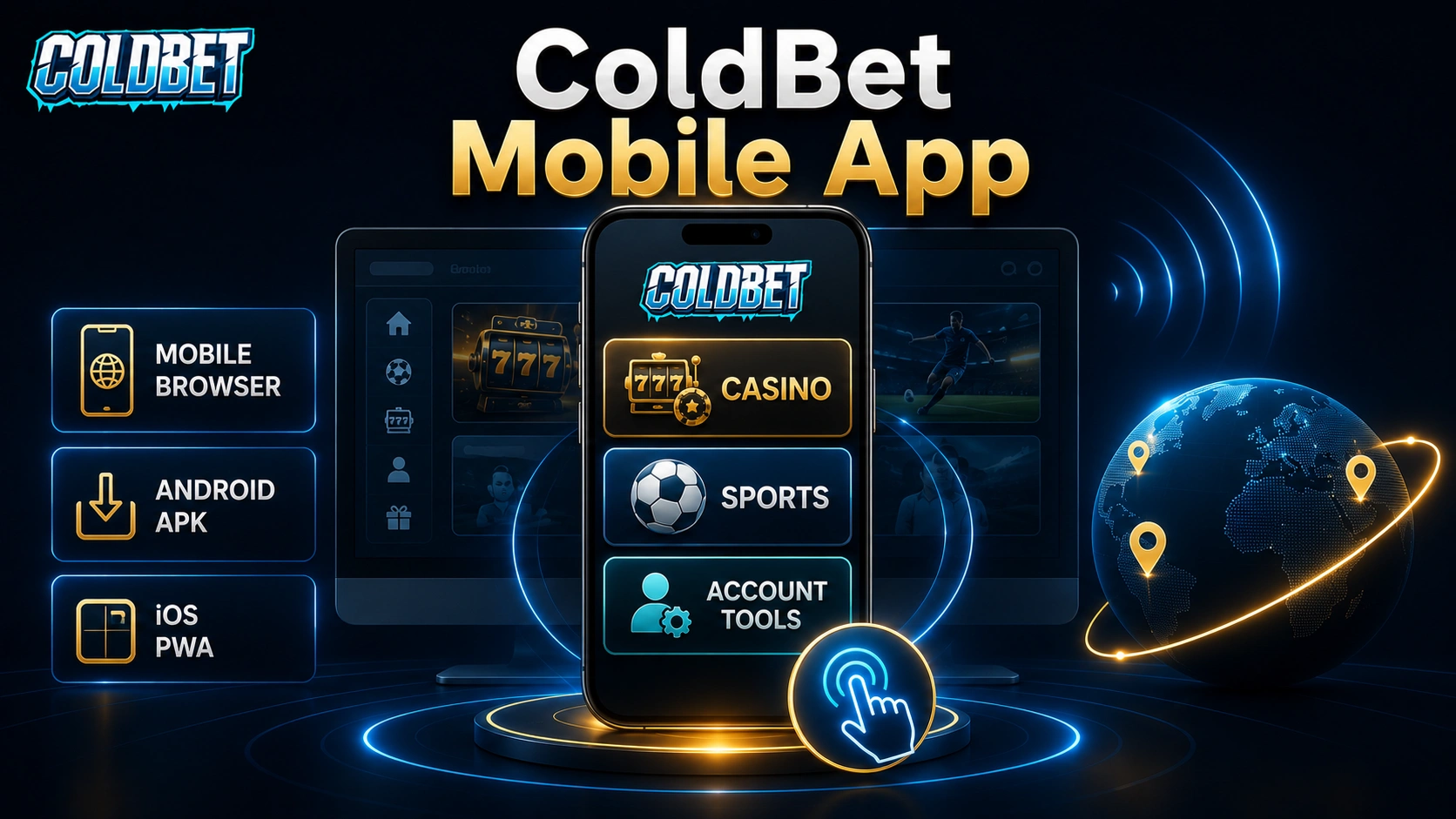
Two Formats and Full Access for Android & iOS
ColdBet offers separate solutions for Android and iOS. Android users can download an APK from the official platform and install it after enabling “Unknown Sources”.
Owners of iPads and iPhones do not pass the Cold Bet app download routine. Instead, they add a PWA (shortcut) via the Safari browser. See more details.
Both options provide identical functionality for gaming on the go via iOS or Android.
| Platform | Format | How to Install | Access |
|---|---|---|---|
| Android | APK file | Download from ColdBet site → enable unknown sources → install | Casino, notifications, etc. |
| iOS | PWA | Safari → Share → Add to Home Screen | Casino, payments, sports |
What to Use in the Mobile Version?
The ColdBet app download process includes access to all core features of the PC version. Therefore, you can still:
- Launch any game, from slots to crash titles;
- Explore the “Live” section with HD-streamed games;
- Make line and live sports predictions;
- Initiate deposits and withdrawals;
- Set deposit caps or request full self-exclusion;
- Activate promo coupons and dedicated bonuses;
- Use tools designed for account management;
- Communicate with client support managers.
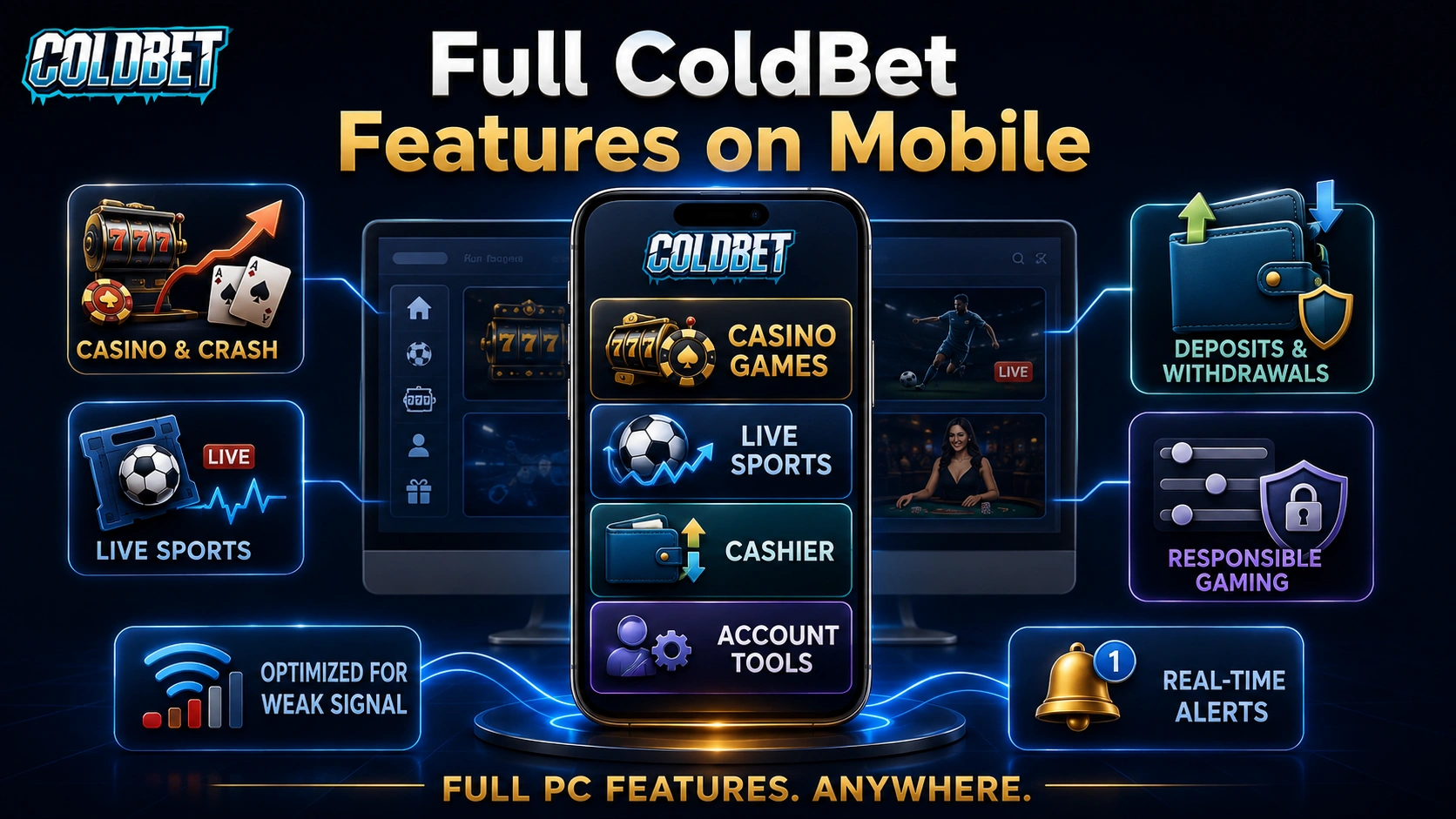
Beyond instant mobile access, the software is optimized for unstable internet connections. Therefore, key features continue to work even with weaker mobile signals. Real-time notifications let users track bet outcomes, new promos, and account activity.
What are the Pros and Cons of the ColdBet Application?
The main goal of the Cold Bet app is to ensure convenient play on mobile devices. It comes with solid strengths and minor limitations that you should learn about in advance. Check them all below.
| Pros | Cons |
|---|---|
| Instant access to gaming services without opening a browser. | Android APK updates must be downloaded manually from the website |
| All main casino and sportsbook features are presented. | Enabling unknown sources during installation may confuse first-time users |
| Optimized for weak internet connections. | Heavy casino games can run slower on outdated devices |
| Regular updates with bug fixes and performance improvements | Live dealer streams may disconnect on slow internet connections |
| Completely free to download and use |
The development team continues to gather player feedback and uses it to improve stability and usability with every update.
Overall Impression
The mobile version of ColdBet focuses on three things: speed, convenience, and full platform access. Players who prefer zero installation can visit an optimized website in any browser. Yet the ColBet app and PWA formats offer better, more stable performance. All major features, from slot machines to VIP perks, are presented without any limitations.
Download the native app and set up an APK or add a PWA shortcut to your home screen. Sign up in minutes, and start playing regardless of your physical location.
FAQ
Do I need to download software to play on the go?
Does the mobile version include all desktop features?
Can the app send notifications about promotions and bets?
Will the app work on slower internet connections?